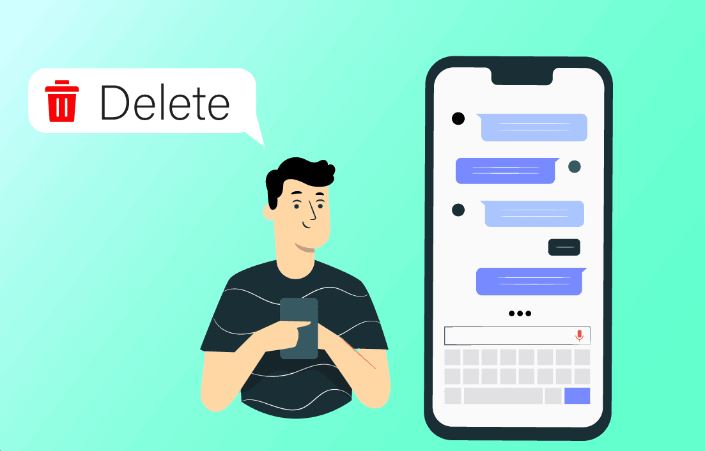
The short answer: you cannot delete a text message from someone else’s iPhone. Once a message is delivered, the copy on their device belongs to them. Deleting it from your phone removes only your copy.
There is one genuine exception — Undo Send — and it has strict conditions. This guide covers what that does, and what to do when you have missed the window.
Checked August 2026 against current iOS.
Undo Send — the only real option
Apple added the ability to unsend an iMessage, within tight limits.
How to use it
- Press and hold the message you sent.
- Choose Undo Send.
The message disappears from both conversations, and the recipient sees a note saying a message was unsent.
The conditions
| Requirement | Detail |
|---|---|
| Within 2 minutes | Of sending. After that the option is gone. |
| iMessage only | Blue bubbles. Green SMS messages cannot be unsent. |
| Both on a recent iOS | If the recipient is on an older version, the message stays on their phone and they may get a note that you unsent it. |
That last row is the one people miss: unsending is not silent, and on an older recipient device it does not work at all.
Edit, as an alternative
Within about fifteen minutes you can Edit an iMessage instead — press and hold, choose Edit. The recipient sees the corrected message with an “Edited” label, and can view the edit history.
Useful for a typo. Not a way to make something disappear, since the original remains visible to them.
Deleting from your own phone
This affects your device only. The recipient keeps their copy.
One message: press and hold → More → select it → the bin icon.
A whole conversation: swipe left on it in the list → Delete.
Recently Deleted
Deleted conversations go to a recovery folder for 30 days:
- In Messages, select Filters or Edit at the top left.
- Choose Recently Deleted.
To remove something permanently, delete it there as well. Worth knowing if you are handing the phone to someone else.
Deleting syncs across your devices
With Messages in iCloud enabled, deleting on one of your devices removes it from all of them — but still not from the recipient’s. Check Settings → your name → iCloud → Messages.
After the two minutes
Realistically, the options are limited and none of them are technical:
- Send a follow-up. “Ignore that, sent to the wrong person” is more effective than any workaround, and considerably less strange than the alternatives.
- Ask them to delete it. Depending on the relationship, that may be entirely reasonable.
- Accept it. A message that has been delivered and read cannot be recalled, and pretending otherwise leads people to the scams below.
Apps and services claiming to delete messages from someone else’s phone are lying. There is no mechanism in iOS that allows it, and there never has been. What those products actually are: monitoring software that requires physical access and the passcode, or a straightforward scam. Installing monitoring software on a phone you do not own is also illegal in most jurisdictions.
Preventing the next one
- Turn off read receipts if you would rather not confirm you have read things: Settings → Apps → Messages → Send Read Receipts. This can be set per conversation.
- Send with Undo in mind. If you routinely send in haste, the two-minute window is a real safety net — but only if you notice within it.
- Check the recipient before typing, not after. Group threads with similar names are the classic trap.
- Use Screen Time or Focus modes to stop yourself messaging at times you tend to regret.
Android, briefly
Google Messages with RCS has message deletion and editing features, with similar time limits and the same fundamental constraint: both parties need RCS enabled, and plain SMS cannot be recalled at all.
Frequently asked questions
Can I delete a text from someone else’s iPhone?
Only with Undo Send, within two minutes, on an iMessage, where the recipient is on a recent iOS. Otherwise no.
Does the recipient know I unsent a message?
Yes. They see a note stating a message was unsent. It is not silent.
Why is Undo Send greyed out or missing?
The two-minute window has passed, or the message is SMS rather than iMessage. Green bubbles cannot be unsent.
Does deleting a message delete it for the other person?
No. It removes your copy only, and with Messages in iCloud, the copy on your other devices.
Can the police or Apple recover deleted messages?
Messages in iCloud backups can be recovered under legal process. Locally deleted messages may persist in backups too. Deleting is not the same as the message never having existed.
Is there an app that deletes messages from both phones?
No. Anything claiming this is either monitoring software needing physical access and the passcode, or a scam.