Windows
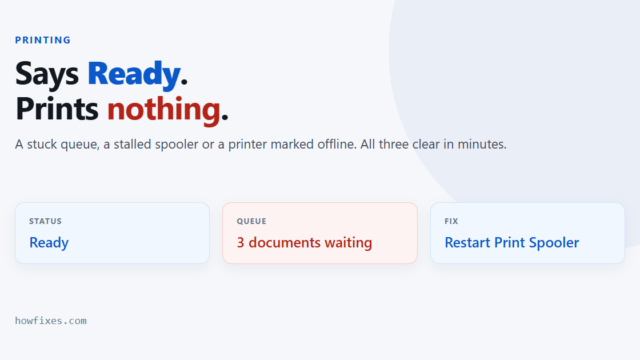
Printer Not Printing in Windows: How to Fix It
A printer not printing while Windows cheerfully reports it as ready is one of the most common faults there is — and one of the least…
Step-by-step fixes for Windows, browsers and everyday software
A printer not printing while Windows cheerfully reports it as ready is one of the most common faults there is — and one of the least…
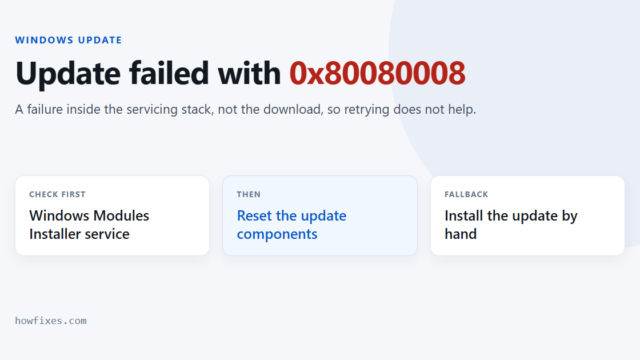
Windows Update stops with 0x80080008 and offers nothing beyond “something went wrong”. Codes in this family come from the update machinery itself — the services and…
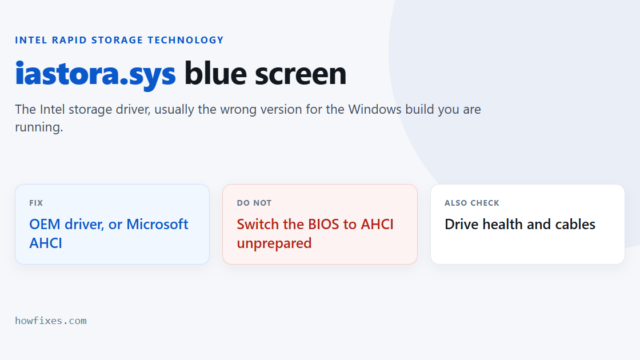
When a crash dump names iastora.sys, it is pointing at the Intel Rapid Storage Technology driver — the software that sits between Windows and your SATA…
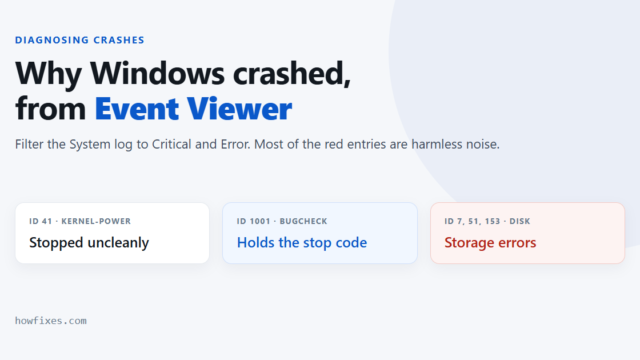
Event Viewer keeps a record of what Windows was doing when it crashed, froze or restarted on its own. It is the tool to reach for…
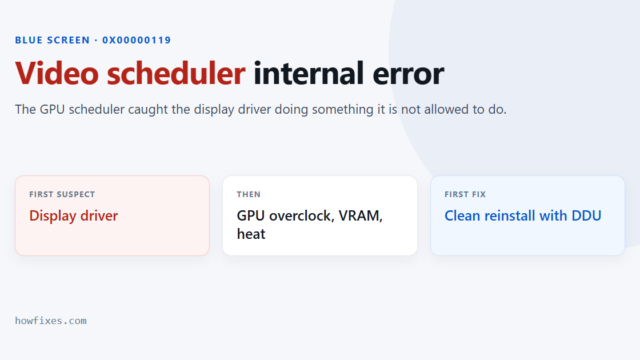
A video scheduler internal error blue screen — shown on screen as VIDEO_SCHEDULER_INTERNAL_ERROR, bug check 0x00000119 — means the component that hands work to your graphics…
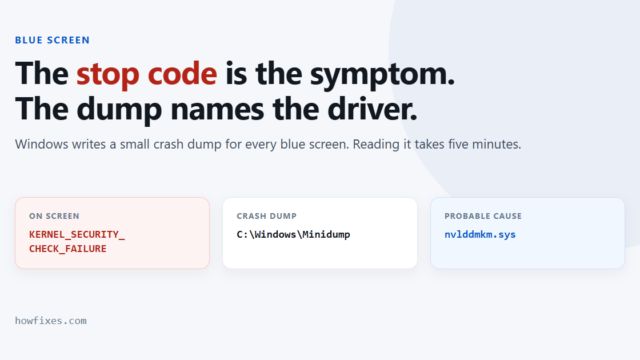
A blue screen shows you a stop code — a name such as KERNEL_SECURITY_CHECK_FAILURE or DPC_WATCHDOG_VIOLATION — and almost nothing else. The name describes the check…
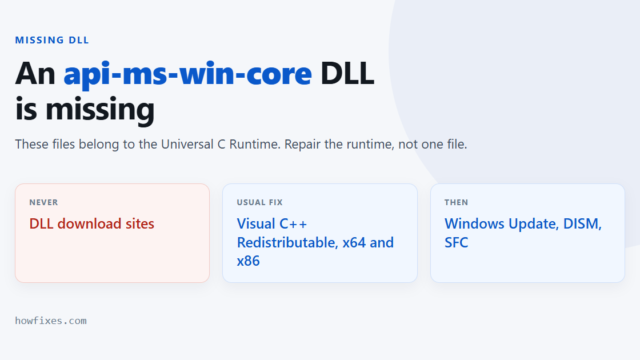
A program refuses to start and names a file such as api-ms-win-core-string-l1-1-0.dll or api-ms-win-core-heap-l1-1-0.dll. These api-ms-win-core files are part of the Universal C Runtime that ships…
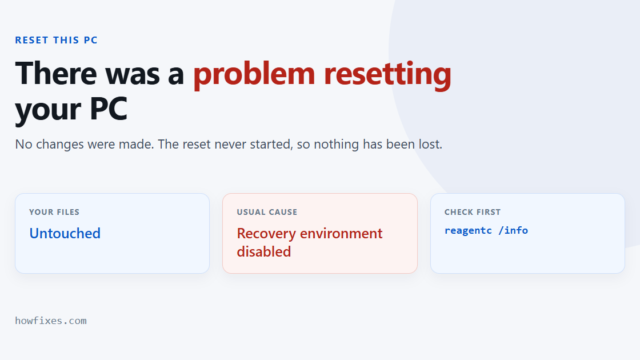
Windows reports a problem resetting your PC and adds that no changes were made. That second sentence is the important one: the reset did not start,…
Safe Mode starts Windows with the smallest set of drivers and services it can run on. Third-party drivers do not load, startup programs do not launch,…
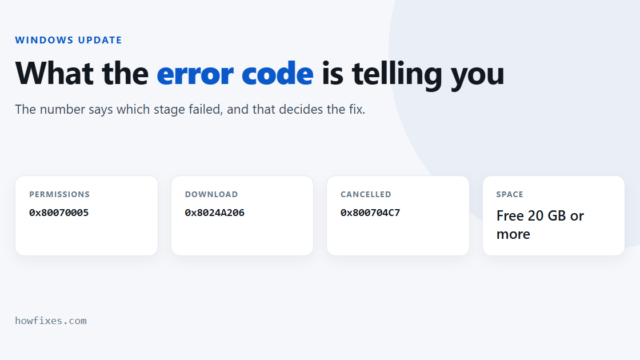
A Windows Update error code looks like noise, but it is not random. The number tells you which stage failed, and that determines the fix. A…