There is a catch in this question that trips up almost everyone: you cannot update the PowerShell that came with Windows. Windows PowerShell 5.1 is a Windows component, frozen at 5.1 and serviced only through Windows Update.
What you actually do is install PowerShell 7 alongside it. Both then exist on the machine and neither interferes with the other.
winget install --id Microsoft.PowerShell --source wingetChecked August 2026. PowerShell 7.6 is the current Long Term Support release, published in March 2026 and built on .NET 10 LTS. PowerShell 7.5 remains the current stable line. For production machines, take the LTS.
Two different products with similar names
| Windows PowerShell 5.1 | PowerShell 7 | |
|---|---|---|
| Executable | powershell.exe |
pwsh.exe |
| Ships with Windows | Yes | No — install it |
| Built on | .NET Framework | .NET (currently .NET 10) |
| Cross-platform | Windows only | Windows, macOS, Linux |
| Still gaining features | No | Yes |
| Open source | No | Yes |
They install side by side deliberately. Existing scripts and tools that expect 5.1 keep working untouched while you use 7 for new work.
Check what you have
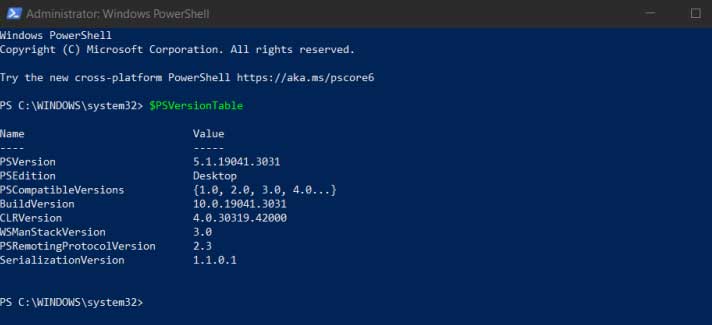
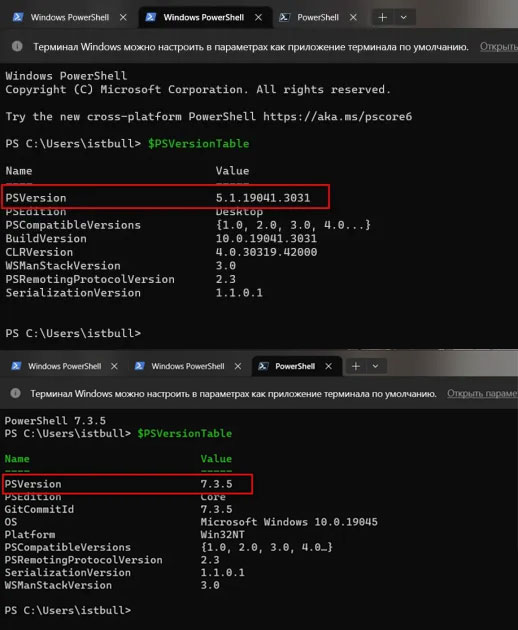
Open PowerShell and run:
$PSVersionTableRead the PSVersion line. 5.1.x means Windows PowerShell; 7.x means PowerShell 7.
To see whether PowerShell 7 is installed at all, from any prompt:
pwsh -v“Not recognised” means it is not installed.
Installing PowerShell 7
winget — recommended
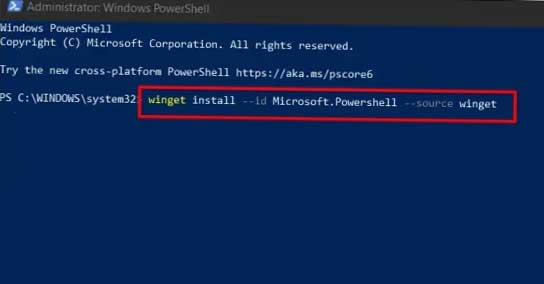
winget ships with Windows 11 and current Windows 10. From any terminal:
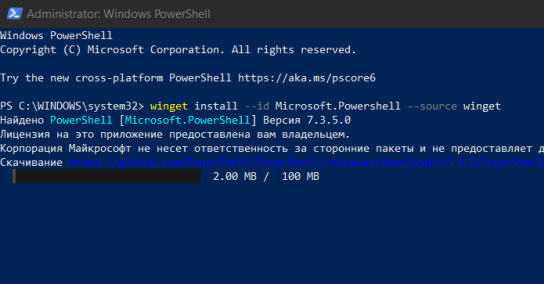
winget install --id Microsoft.PowerShell --source wingetTo upgrade later:
winget upgrade --id Microsoft.PowerShellFor the LTS line specifically, install Microsoft.PowerShell.Preview‘s stable counterpart from the same source, or take the MSI below — the LTS package is published separately on GitHub.
Microsoft Store
Search for PowerShell and install the one published by Microsoft Corporation. It updates itself with your other Store apps, which is convenient, though it runs in a packaged sandbox that occasionally surprises scripts touching protected paths.
MSI installer
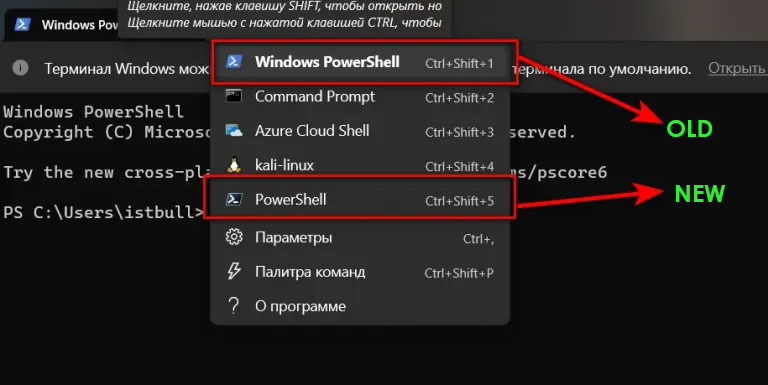
Download from the PowerShell releases page. Take the -win-x64.msi for a normal 64-bit machine, or -win-arm64.msi for an ARM device.
The MSI offers useful options during setup: adding “Open here” to the Explorer context menu, and enabling updates through Microsoft Update so PowerShell 7 is patched alongside Windows.
Running it
Search the Start menu for PowerShell 7, or type pwsh anywhere.
Make it the default in Terminal
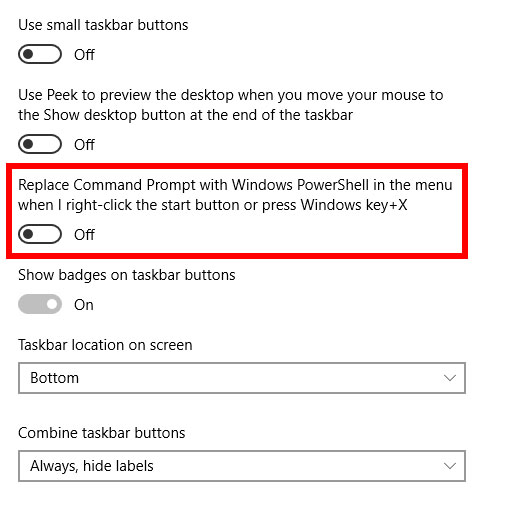
- Open Windows Terminal.
- Press Ctrl + , for settings.
- Under Startup, set Default profile to PowerShell (the 7 entry, not Windows PowerShell).
Updating what is already installed
Match the method to how you installed it:
- winget:
winget upgrade --id Microsoft.PowerShell - Microsoft Store: updates arrive with your other Store apps
- MSI: run the new MSI over the old one, or turn on Microsoft Update integration
PowerShell 7 prints a notice at startup when a newer version is available.
Is it worth installing?
If you write more than the occasional one-liner, yes. The practical wins:
ForEach-Object -Parallelfor concurrent work- Ternary operator (
$x ? 'a' : 'b'), pipeline chain operators (&&,||) and null-coalescing (??) ConvertFrom-Json -AsHashtable, and JSON handling that is far less awkward generally- Better error messages, with the offending line highlighted
- Predictive IntelliSense in the console
- Scripts that run unchanged on Windows, macOS and Linux
If you only ever paste commands from guides, 5.1 is sufficient. It is not going away — see PowerShell versus Command Prompt for how both compare with cmd.
Frequently asked questions
Will installing PowerShell 7 break my existing scripts?
No, because it does not replace 5.1. Scripts launched with powershell.exe keep running under 5.1. A few older modules — mostly those depending on .NET Framework — do not load in 7; run those under 5.1, or use the -UseWindowsPowerShell switch when importing.
Can I uninstall Windows PowerShell 5.1?
No, and you should not try. It is a Windows component, and parts of Windows depend on it.
Which should I install, 7.5 or 7.6?
7.6 is the current LTS and is the right default for a machine you rely on. Take the current stable line only if you need something specific that has not reached LTS yet.
Why is it called pwsh?
Because powershell.exe was already taken by 5.1. A distinct name lets both exist on the same machine and on the same PATH.
Does PowerShell 7 come with Windows 11?
No. Windows 11 ships with Windows PowerShell 5.1 and, in current versions, Windows Terminal. PowerShell 7 is a separate download.