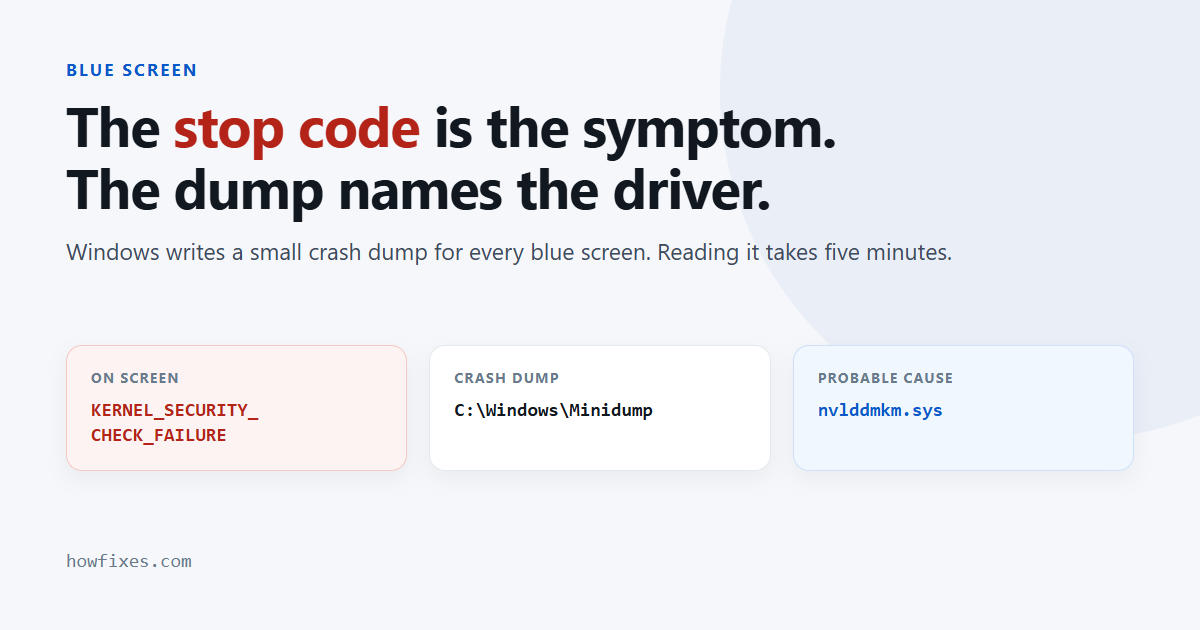
A blue screen shows you a stop code — a name such as KERNEL_SECURITY_CHECK_FAILURE or DPC_WATCHDOG_VIOLATION — and almost nothing else. The name describes the check that failed, not the component that caused it, which is why searching the name alone so often leads nowhere useful.
The information you actually need is in the crash dump, and reading it takes about five minutes. This guide covers how, and the small set of causes behind most crashes.
Checked October 2026. Applies to Windows 11 and Windows 10 22H2.
What a stop code actually tells you
Windows halts when it detects that continuing would corrupt something. The name identifies which integrity check tripped. Several completely different faults produce the same name, and one fault can produce different names on different days — so treat it as a category, not a diagnosis.
What narrows it down far faster is when the crash happens.
| When it crashes | Most likely cause | Check first |
|---|---|---|
| Right after installing a driver or device | That driver | Roll it back |
| Only under load — games, rendering | Memory, overclock, heat | Remove the overclock, check temperatures |
| Randomly, including at idle | Memory or storage | MemTest86, then the drive |
| Right after a Windows update | A driver incompatible with the new build | Uninstall the update |
| Only with one device attached | That device’s driver | Unplug it and test |
| During boot, every time | Boot driver or file system | Safe Mode, then System Restore |
Read the crash dump
This is the step that turns guesswork into an answer. Windows writes a small dump file for every blue screen.
- Install WhoCrashed or BlueScreenView. Both are free and both read
C:\Windows\Minidump. - Open the most recent file.
- Look for the driver named as the probable cause.
A .sys file name is usually enough to identify the hardware: nvlddmkm.sys is NVIDIA graphics, amdkmdag.sys is AMD, iastora.sys is Intel storage, rt640x64.sys is a Realtek network adapter.
If the Minidump folder is empty
Dumps are not being written. Turn them on:
- Press Win + R, run
sysdm.cpl. - Go to Advanced → Startup and Recovery → Settings.
- Set Write debugging information to Small memory dump (256 KB).
You will need one more crash before there is anything to read. In the meantime, Event Viewer holds a record of the crash even when no dump was written: run eventvwr.msc and look under Windows Logs → System for a Kernel-Power event with ID 41.
Guides to the individual codes
- KERNEL_SECURITY_CHECK_FAILURE — a corrupted kernel data structure. Usually a driver, sometimes memory.
- VIDEO_DXGKRNL_FATAL_ERROR — the DirectX graphics kernel. Nearly always the display driver.
- Red screen errors — not a blue screen at all, and diagnosed differently because there is no code to read.
The checks that cover most crashes
Work down this list in order. It resolves the majority regardless of the name on screen.
Undo the most recent change
If the crashes started at a definite point, reverse that first: roll back the driver in Device Manager, uninstall the recent Windows update, or use a restore point from before the trouble.
Remove every overclock
Including XMP and EXPO memory profiles, which are factory overclocks. Load Optimized Defaults in the firmware and run at stock while diagnosing. An unstable memory profile produces crashes with no consistent name.
Test the memory
The built-in tool is a start: Win + R, mdsched.exe. For anything conclusive run MemTest86 from a USB stick for at least four passes, testing one stick at a time if you have several.
Repair the system and check the disk
DISM /Online /Cleanup-Image /RestoreHealth
sfc /scannow
chkdsk C: /f /r
The last one needs a restart and can take hours on a large mechanical drive. Worth doing once when crashes are random.
Update the drivers that matter
Graphics, chipset, storage and network — from the hardware manufacturer, not from a driver updater utility. Those install generic drivers over vendor-tested ones and cause more crashes than they fix.
Frequently asked questions
Why does the stop code change between crashes?
Because the underlying fault corrupts different things depending on what was running. Changing names across crashes is a strong hint at memory or storage rather than one specific driver.
Will reinstalling Windows fix a blue screen?
Only if the cause is software. It does nothing for failing memory, an unstable overclock or a dying drive — so rule out the hardware first, or you will lose a day and still be crashing.
Is a single blue screen worth investigating?
One isolated crash after an update or a driver install is usually nothing. A pattern is what matters. Start looking when it happens more than once in a week.
Can I lose files?
You lose unsaved work in open applications. Saved files are not affected — unless the underlying cause is a failing drive, which is a reason to back up now rather than later.
Do I need the full Windows debugger?
Not for ordinary troubleshooting. WhoCrashed and BlueScreenView extract the driver name, which is the part that leads to a fix. A stop code investigation only needs the debugging toolkit when the dump points at a Microsoft driver and you need to know what called it.